Checklist
Before You Click
Use this when a message, link, QR code, attachment, or button feels urgent or unusual.
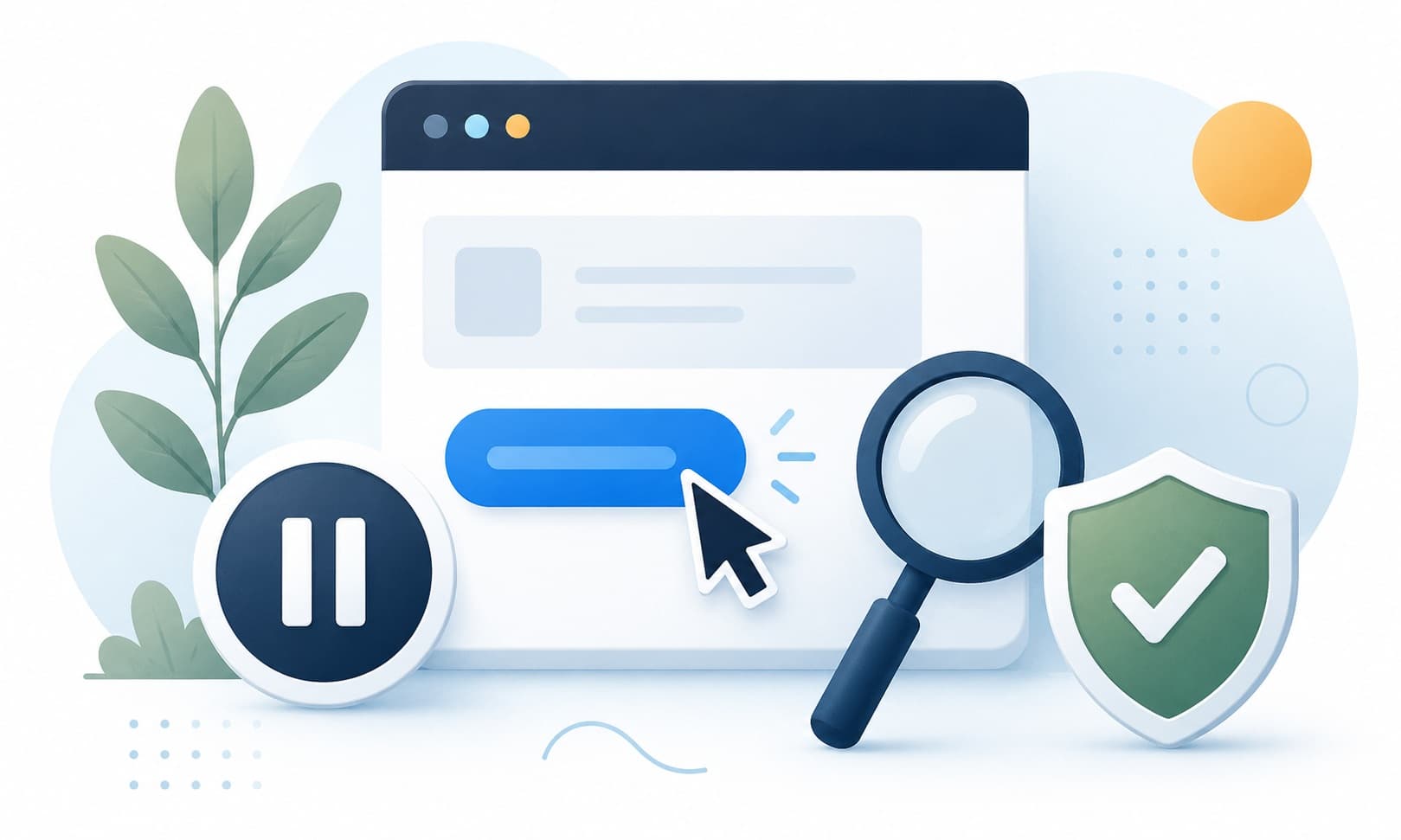
Safer steps
- Pause and read the message again.
- Check whether you expected this message.
- Look for misspelled domains, strange sender addresses, or unusual wording.
- Go to the official website or app yourself instead of using the link.
- Ask a trusted person if the message involves money, accounts, or fear.
Do not do this
- Do not enter passwords from a message link.
- Do not open attachments you did not expect.
- Do not scan a QR code just because a message says it is urgent.
Simple rule
When a message creates pressure, move the conversation to a known official channel before acting.