Scam guide
Deepfake Video
Video or live-call images can be altered or generated, especially when urgency and money are involved.
Who this helps
Everyone, especially people asked to trust a video as proof.
How deepfake video scams make requests feel more believable
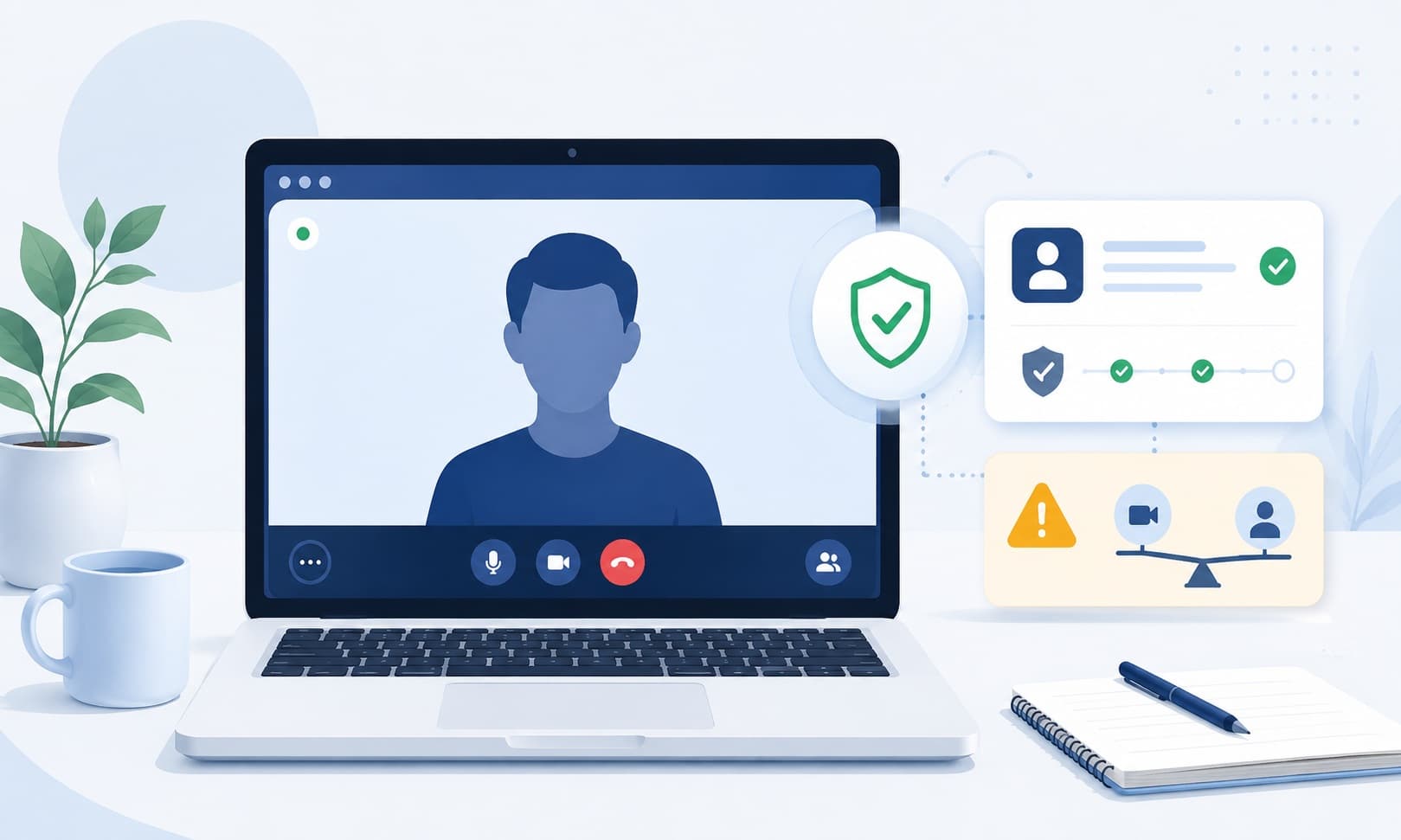
Deepfake video scams use generated or altered video to make a request feel more trustworthy than an ordinary email or text. A video clip, live-call image, or recorded message may appear to show an executive, public figure, family member, or trusted contact asking for payment, access, secrecy, or fast action.
The safest habit is to treat video as one signal, not final proof. If a video request involves money, private information, account access, or a change from normal process, verify through a known channel outside the video call. Deepfake scams become more dangerous when realism is combined with urgency, secrecy, or a request to bypass normal approvals.
What this scam looks like
A deepfake video scam may appear as a social media ad, video message, live meeting, celebrity endorsement, executive request, or recorded announcement. The video may look polished enough to make the request feel real, especially when the person shown is familiar or trusted.
The warning sign is often not the video quality. It is the request connected to the video. Be careful when a video pushes you to send money, invest quickly, change payment details, share access, or trust a new link without checking through a separate channel.
Common examples
- A video appears to show a celebrity promoting an investment platform.
- A live-call image seems to show an executive asking for a rush payment.
- A recorded message tells employees to bypass normal approval steps.
- A video ad claims a public figure recommends a crypto opportunity.
- A person on video avoids normal follow-up through known contact methods.
How to verify safely
- Pause before acting on a video request involving money, access, or private information.
- Verify through a known phone number, official app, official website, or in-person contact.
- Follow normal approval steps even if the video seems convincing.
- Search for the claim through reliable sources instead of using links in the post or message.
- Ask a trusted person or coworker to review the request with you.
Warning signs
- The video is used to rush a payment or private decision.
- You cannot verify the request outside the video call.
- The person avoids a normal follow-up call or known channel.
- The request feels unusual for that person or organization.
Questions to ask
- What official channel can confirm this?
- Is the video being used instead of normal verification?
- Can I slow this down and check with another trusted source?
Safer next steps
- Treat video as one signal, not proof by itself.
- Verify important requests through official websites, known phone numbers, or in-person contacts.
- Save basic details if you need to report, but avoid clicking suspicious links.
What to do if you already clicked, paid, or shared information
- Stop following instructions from the video, message, or account.
- Contact the relevant bank, platform, employer, or agency through an official channel.
- Save the video link, screenshots, usernames, payment details, and timestamps.
- If workplace systems or payments were involved, notify the appropriate internal contact.
- Be cautious of follow-up offers that promise recovery, account repair, or investment refunds.
How to report it
- Report the video, ad, or account through the platform where it appeared.
- Report impersonation to the real person, company, or organization through official channels when possible.
- Report suspicious payments through the bank, card provider, or payment platform used.
- Visit the site's /reporting page for general reporting options.
Common questions
How can I tell if a video is a deepfake?
You may not be able to tell from the video alone. Focus on the request and verify through a separate trusted channel.
Should I trust a celebrity investment video?
Do not invest because of a video ad or endorsement alone. Research through independent sources and be cautious of urgency or guaranteed returns.
What if a video call asks me to change a payment?
Pause and verify through normal approval steps, a known phone number, or another trusted channel before changing payment details.
Can deepfakes happen in live calls?
Yes, generated or altered video can be used in real-time settings. Treat unusual requests as something to verify separately.