Scam guide
Fake Customer Support
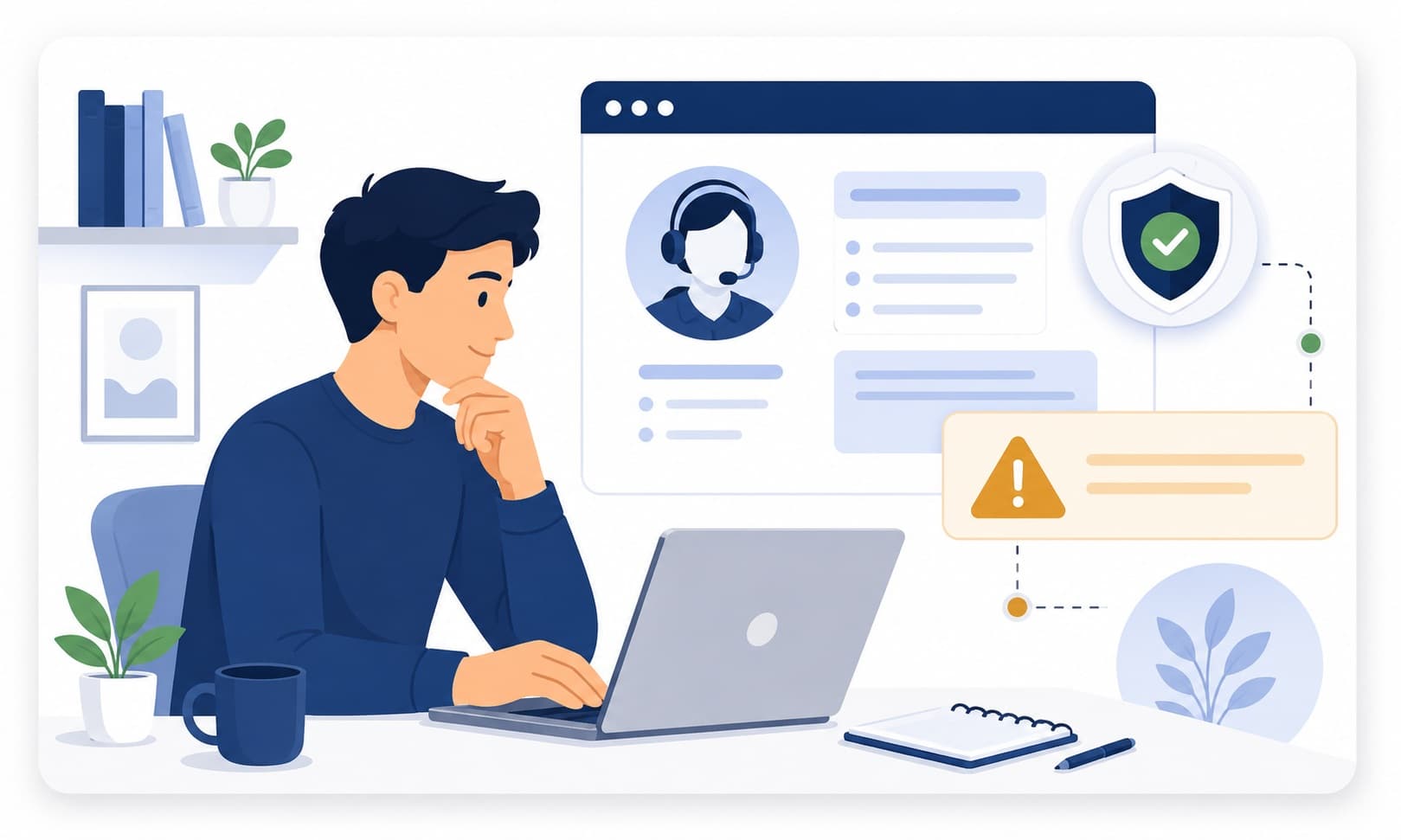
Fake support popups, calls, and search ads can impersonate banks, tech companies, stores, or platforms.
Who this helps
Anyone seeking help with an account, device, payment, or order.
How fake customer support scams hijack the moment you need help
Fake customer support scams appear when you are trying to solve a problem: a frozen computer, bank alert, order issue, account warning, or software renewal. Scammers may use popups, search ads, phone calls, emails, or messages that look like support from a familiar company.
The request may involve calling a number from a popup, installing remote access software, sharing a one-time code, paying for a fake repair, or logging in while someone watches. A safer path is to close the popup, avoid numbers shown in scare messages, and reach support through the official website, app, saved bookmark, or trusted provider contact.
What this scam looks like
Fake customer support can look like a warning popup, search result, social media account, email, text, or incoming call. The message may use a familiar company name and claim there is an account, device, payment, refund, or order problem.
The person may ask you to install software, share a code, pay a fee, open a banking app, or log in while they are connected. Real support should not need you to trust an unexpected contact method. You can slow down and reach the company yourself.
Common examples
- A popup says your device is infected and gives a phone number.
- A search ad leads to a support page that is not the official company site.
- A social media account claims to be customer support and asks for codes.
- A caller offers a refund but asks you to install remote access software.
- A support chat asks for passwords, payment details, or private documents.
How to verify safely
- Use support links inside the official app or official website.
- Do not trust phone numbers from popups, scare messages, or search ads alone.
- Never share one-time codes or passwords with support contacts who reached you first.
- Do not grant remote access unless you independently verified the provider.
- Ask a trusted person to look at urgent support messages before paying.
Warning signs
- A popup says your device is infected and gives a phone number.
- Support asks for remote access without clear verification.
- You are asked for gift cards, crypto, or banking login details.
- The support number came from an ad or popup, not the official site.
Questions to ask
- Did I reach support through the official app or website?
- Why would support need my password or one-time code?
- Can I close this popup and contact the company directly?
Safer next steps
- Close the popup and avoid calling numbers shown in alerts.
- Use official support links from the company website or app.
- Do not grant remote access unless you have independently verified the support provider.
What to do if you already clicked, paid, or shared information
- End the session or call and stop sending information.
- Contact the relevant bank, platform, employer, or agency through an official channel.
- If remote access was installed, use official support or a trusted local professional to review the device.
- If you paid, contact the bank or payment platform through official support.
- Save screenshots, phone numbers, software names, and payment details.
How to report it
- Report fake support pages, ads, or accounts through the platform where they appeared.
- Report impersonation to the real company through its official support path.
- Report suspicious payments through the payment provider used.
- Visit the site's /reporting page for general reporting options.
Common questions
What should I do if a popup says my computer is infected?
Do not call the number in the popup. Close the tab or app if you can, then use official support or ask a trusted person for help.
How can I tell if customer support is real?
Reach support through the official website, official app, saved bookmark, or trusted account materials instead of a surprise message.
Should I let support remotely access my device?
Only consider remote access after you independently verified the provider through an official channel.
What if I already gave remote access?
Disconnect, contact official support or a trusted professional, review account activity, and contact your bank if payment accounts were opened.