Scam guide
Phishing Messages
Fake emails, texts, QR codes, or social messages try to get you to click, sign in, or share information.
Who this helps
Anyone who uses email, text messages, social media, or online accounts.
How phishing messages try to turn a click into account access
Phishing messages can arrive by email, text, social media, QR code, or direct message. They often imitate a bank, delivery service, employer, platform, store, or person you know. The message may warn that an account will close, a package is delayed, a payment failed, or suspicious activity needs immediate attention.
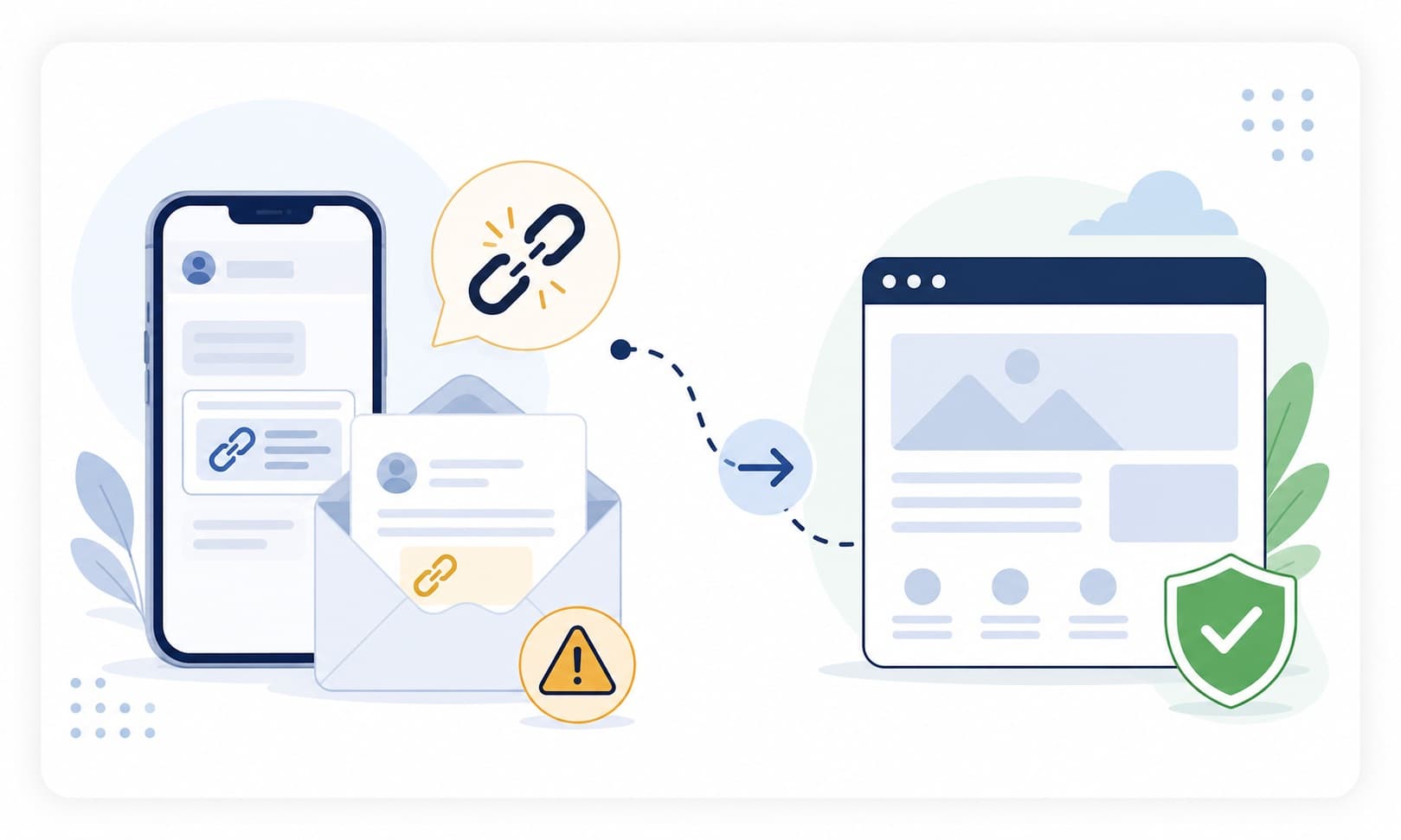
The goal is usually to make you click a link, open an attachment, scan a QR code, enter a password, share a one-time code, or provide payment details. Instead of using the link in the message, open the official website or app yourself. If the alert is real, it should appear through a trusted channel you reached independently.
What this scam looks like
A phishing message may look like a routine account notice, package update, payment problem, login warning, or workplace message. It may use a familiar logo, sender name, or urgent subject line. Some messages are messy, but many are polished and convincing.
The risky part is the action it asks you to take. It may send you to a fake login page, ask for a one-time code, push you to open an attachment, or tell you to scan a QR code. The safer habit is to reach the company or account yourself instead of trusting the path provided in the message.
Common examples
- A text says your bank account is locked and includes a sign-in link.
- An email says a package cannot be delivered until you pay a small fee.
- A work message asks you to open an unexpected attachment.
- A QR code claims to lead to a parking or toll payment page.
- A social message asks for a login code to help a friend recover an account.
How to verify safely
- Do not use links, buttons, QR codes, or phone numbers in suspicious messages.
- Open the official app or type the official website yourself.
- Check the sender address and domain carefully, but do not rely on that alone.
- If the message involves work, ask through a known internal channel.
- Ask a trusted person to review messages involving money, passwords, or fear.
Warning signs
- A message says your account will close unless you act now.
- The link address does not match the real company.
- The message asks for passwords, codes, or payment details.
- The sender address is misspelled or unfamiliar.
Questions to ask
- Did I expect this message?
- Can I go to the company website myself instead of using this link?
- Is the sender asking for something private?
Safer next steps
- Do not use the link in the message.
- Open the official website or app yourself.
- Report suspicious messages using the platform's built-in reporting tools when available.
What to do if you already clicked, paid, or shared information
- Stop using the link or page from the message.
- Contact the relevant bank, platform, employer, or agency through an official channel.
- If you entered a password, go to the official site or app and review account security options.
- If you shared a one-time code, contact the real service through official support.
- Save the message, link, sender details, and screenshots for reporting.
How to report it
- Use the report phishing or spam tools in your email, phone, or social platform.
- Report impersonation to the company or service through its official website.
- Report suspicious payments through the payment provider used.
- Visit the site's /reporting page for general reporting options.
Common questions
What should I do if I clicked a phishing link?
Stop using the page, go to the official website or app, review account security options, and contact the service through official support if you entered sensitive information.
How can I tell if an email link is fake?
Check whether you expected the message, look for unusual domains, and avoid using the link. Open the official website or app yourself.
Is it safe to scan a QR code from a message?
Be cautious. If the QR code asks for login or payment details, use the official app or website instead.
Should I share a one-time code from a text?
Do not share one-time codes with someone who contacted you. Verify through the official service first.