Scam guide
Social Media Impersonation
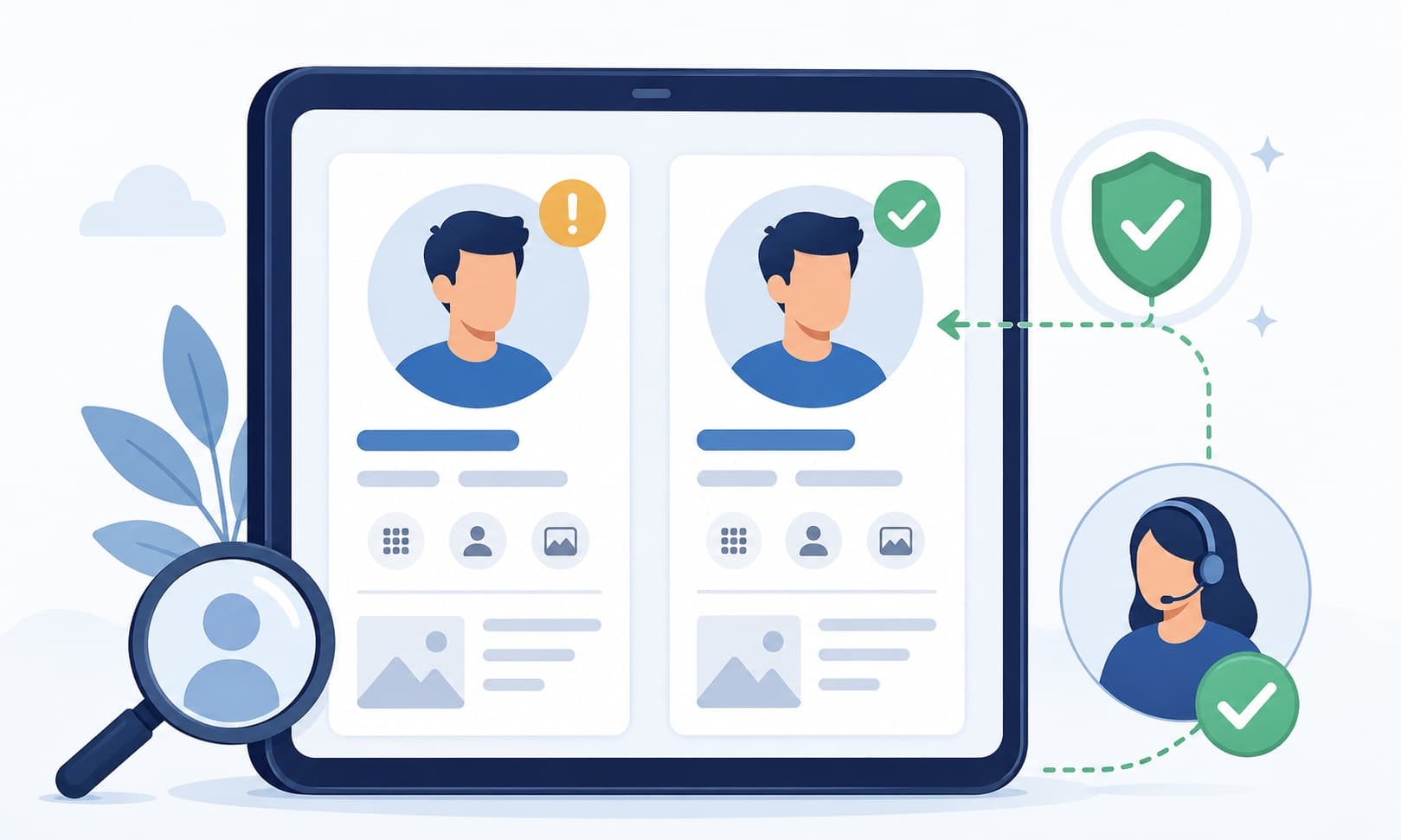
Copied profiles and AI-written messages can make fake accounts sound like people, brands, or leaders you trust.
Who this helps
Families, teens, creators, and small business owners.
How social media impersonation turns familiar profiles into pressure
Social media impersonation scams use copied names, photos, posts, and writing styles to make a fake profile look familiar. The account may pretend to be a friend, family member, brand, creator, community leader, or customer support account. AI-written messages can make the conversation sound natural and targeted.
These scams often ask for money, votes, login codes, reset links, charity donations, urgent help, or private information. Do not rely on a profile picture or familiar name alone. Verify through another channel, report impersonation through the platform, and never share one-time codes or account recovery links in a social message.
What this scam looks like
A social media impersonation scam may use a copied profile, hacked account, fake support page, or lookalike brand account. The message may sound friendly and familiar, especially if it copies names, photos, posts, or details from a real person or organization.
The request usually asks you to do something quickly: send money, vote in a contest, share a code, open a reset link, donate, buy something, or move the conversation elsewhere. A familiar profile is not enough proof. Use another channel before acting.
Common examples
- A new profile claims a friend lost access to their old account.
- A copied brand account says you won a prize and asks for payment details.
- A fake friend asks for a login code or account recovery link.
- An impersonated creator asks followers to donate through a new payment link.
- A support account asks for passwords or one-time codes in direct messages.
How to verify safely
- Contact the person through a known phone number, email, or in-person conversation.
- Check profile history, account age, followers, and unusual changes, but do not rely on those alone.
- Never share one-time codes, passwords, or reset links in direct messages.
- Use official platform support channels for account problems.
- Report copied profiles through the platform's impersonation tools.
Warning signs
- A new account claims the old account was lost or hacked.
- The message asks for money, codes, votes, or urgent help.
- The profile has few posts, odd followers, or copied photos.
- The person avoids confirming through a known channel.
Questions to ask
- Can I contact this person outside social media?
- Is this request unusual for them?
- Does the profile history look real?
Safer next steps
- Confirm through a known phone number, email, or in-person conversation.
- Report impersonation through the platform.
- Do not share login codes or reset links.
What to do if you already clicked, paid, or shared information
- Stop replying to the account until you verify through a separate channel.
- Contact the relevant bank, platform, employer, or agency through an official channel.
- If you shared a code or reset link, use official account settings or support to review security options.
- If you sent money, contact the payment provider through official support.
- Save screenshots, profile links, usernames, messages, and payment details.
How to report it
- Report impersonation through the social platform's official reporting tools.
- Tell the real person, brand, or organization through a separate known channel.
- Report suspicious payments through the bank or payment platform used.
- Visit the site's /reporting page for general reporting options.
Common questions
How can I tell if a social media profile is fake?
Look for unusual requests, new accounts, copied photos, odd profile history, and pressure. Verify through another channel before acting.
Should I send a login code to a friend on social media?
No. One-time codes and reset links can give someone access to your account. Verify through a separate channel.
What should I do if someone copied my profile?
Use the platform's impersonation reporting tools and tell contacts through a trusted channel not to respond to the copied account.
Are giveaway messages from brand accounts safe?
Be cautious. Verify through the brand's official website or verified account before sharing information or payment details.