Scam guide
Bank Impersonation Scam
Learn how fake bank alerts and urgent account messages pressure people to click, share codes, or move money before they can verify.
Who this helps
This guide helps everyday banking customers, families, students, and small-business owners who receive urgent account alerts.
How Fake Bank Alerts Create Pressure
A bank impersonation scam often starts with a message that looks routine at first: a fraud alert, account hold, declined payment, or warning about suspicious activity. The message may include a link, a phone number, or a request to reply yes or no. The pressure comes from the idea that your money or account access is in danger. That pressure is the point. When people feel rushed, they may click without checking, repeat a code, or follow instructions that they would question during a calmer moment.
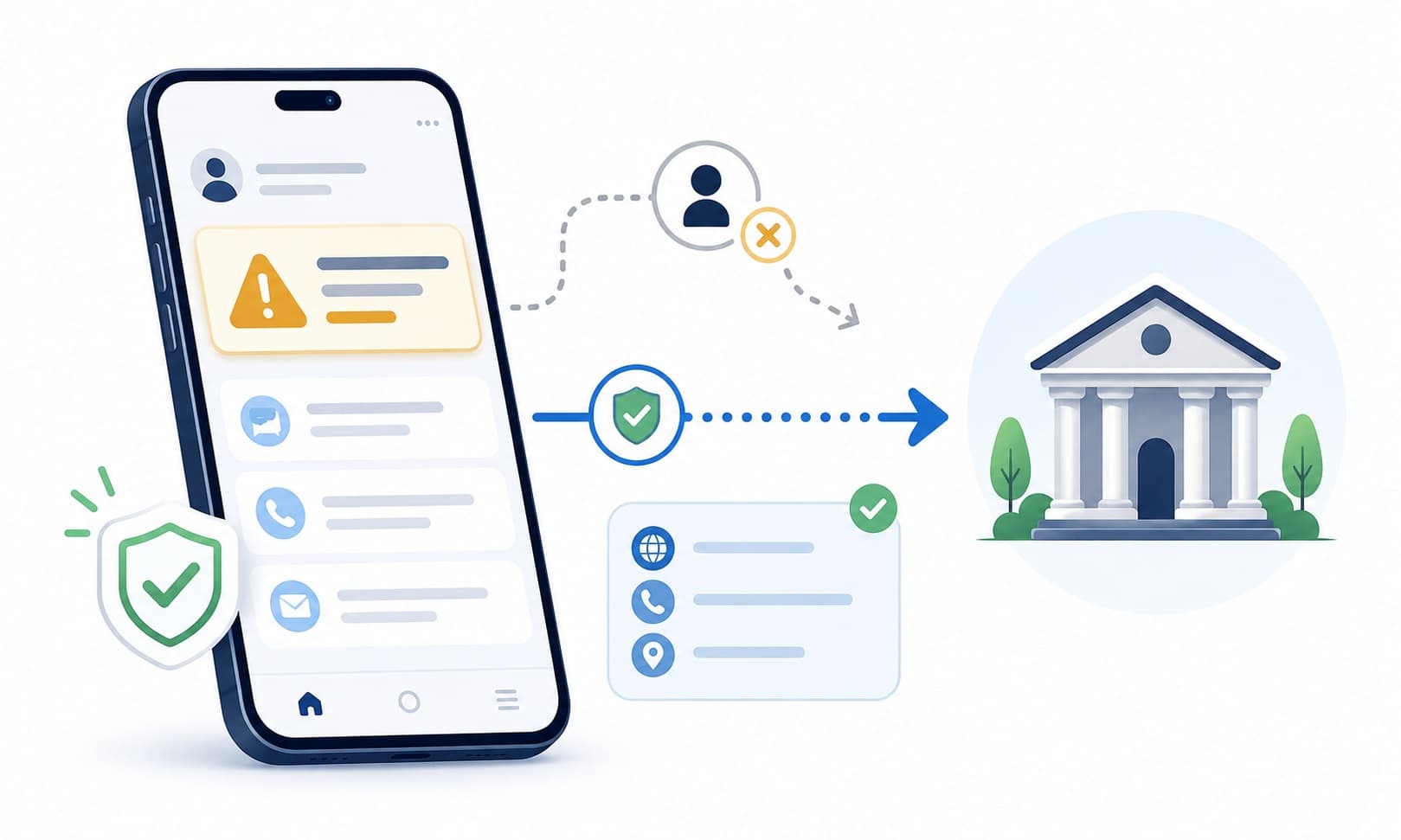
The safest response is to separate the message from the bank. Do not use the link or phone number in the message as your proof. Instead, open the official app, type the bank's website yourself, or call a known number from a card, statement, or official website. A real problem can be handled through official channels. You do not need to prove anything to a caller or texter who contacted you first. Pausing is not rude; it is a smart way to protect yourself.
What this scam looks like
The message may say there was a suspicious charge, an account freeze, a failed login, or a security review. It may use your bank's name or a logo-like design, but the message itself does not prove it came from the bank. Some versions ask you to click a link to confirm your identity. Others ask you to call a number where a calm-sounding person claims to be from the fraud team.
A caller may already know your name or part of your account information. That can feel convincing, but partial information can come from many places. The caller may ask you to read a one-time code, move money to a different account, or approve a transaction to cancel it. These are pressure tactics. A safe verification process should allow you to hang up and contact the bank through a separate official channel.
Common examples
- A text says your debit card was used in another state and asks you to click a link.
- A caller says your account is under attack and tells you to stay on the phone.
- An email says your online banking access will expire unless you confirm details.
- A message asks you to read back a one-time code that was just sent to your phone.
- A caller says you must transfer money to a safe account to stop fraud.
- A fake alert says a payment is pending and you must approve or cancel it through a link.
How to verify safely
- Use the official banking app or type the bank's website into your browser.
- Call a known number from your card, statement, or the official website.
- Do not use phone numbers, links, or buttons from the suspicious message.
- Ask the bank representative to confirm whether there is an account notice on file.
- Check recent activity only inside the official app or website.
- Take your time and end any call that tries to stop you from verifying separately.
- Ask a trusted person to help you compare the message with official bank information.
Warning signs
- The message says your account will be locked unless you act right away.
- You are asked to share a one-time code, password, PIN, card number, or account details.
- The sender urges you to click a link instead of using the official app or website.
- The caller says they are from the fraud department but becomes impatient when you want to verify.
- You are told to move money, buy gift cards, or send a payment to protect your account.
- The message includes a link that looks similar to your bank but does not match the official website.
Questions to ask
- Did I open this message through my bank's official app or website?
- Would my bank ask for this code, password, or PIN in a text, email, or call?
- Can I verify the issue using a known number from my card or bank statement?
- Is the person pressuring me to stay on the phone or act before I can think?
- Have I asked a trusted person to look at the message with me?
Safer next steps
- Pause and do not click links in the message.
- Open your bank's official app or type the official website yourself.
- Call the bank using a known number from your card, statement, or official website.
- Never share one-time codes, passwords, PINs, or full account details with someone who contacted you.
- Save the message if you need to report it, but do not reply to it.
- Ask a trusted person for a second opinion if the message feels urgent or confusing.
What to do if you already clicked, paid, or shared information
- Pause and stop communicating with the person or message thread.
- Contact the relevant bank, platform, employer, or agency through an official channel.
- Tell the bank what you clicked, shared, approved, or sent so they can explain available account options.
- Use the official app or website to review recent activity for anything you do not recognize.
- If you shared a password or code, use official account settings or bank support to review your sign-in options.
- Save screenshots, messages, dates, and payment details for your own records and for reporting.
- Talk with a trusted person before sending any more information or payments.
How to report it
- Report the message to your bank through its official website, app, or known customer support number.
- Use the reporting tools in your email or text messaging service when available.
- Report suspicious messages through official consumer-protection or fraud-reporting channels in your region.
- Visit the site's /reporting page for general reporting options and reminders.
- If a business account may be involved, notify the appropriate internal contact through a separate trusted channel.
Common questions
What should I do if my bank texted me about fraud?
Do not use the link or phone number in the text. Open the official banking app, type the bank website yourself, or call a known number from your card or statement.
How can I tell if a bank call is real?
You may not be able to tell from the call alone. A safer step is to hang up and call the bank through a known number or official app.
Should I give a one-time code to someone from the bank?
Be very cautious. One-time codes are meant to protect account access. Verify through the official bank channel before sharing any sensitive information.
What if the message shows my bank's name?
A name or logo is not enough to verify a message. Use a separate channel, such as the official app, official website, or known phone number.
What should I do if I already clicked the link?
Stop using the link, contact the bank through an official channel, review your account activity in the official app or website, and save the message for reporting.