Scam guide
Package Delivery Scam
Learn how fake delivery texts and emails use missed packages, address problems, or small fees to get clicks and personal details.
Who this helps
This guide helps online shoppers, families, and small businesses that receive delivery alerts by text, email, or message.
How Fake Delivery Alerts Catch Busy People
Package delivery scams work because many people are expecting something. A short text that says a package is delayed, an address is incomplete, or a delivery fee is due can feel believable, especially during holidays or after online shopping. The fee may be small, which makes clicking feel harmless. But the real goal may be to collect payment details, account logins, personal information, or simply get you used to following links in unexpected messages.
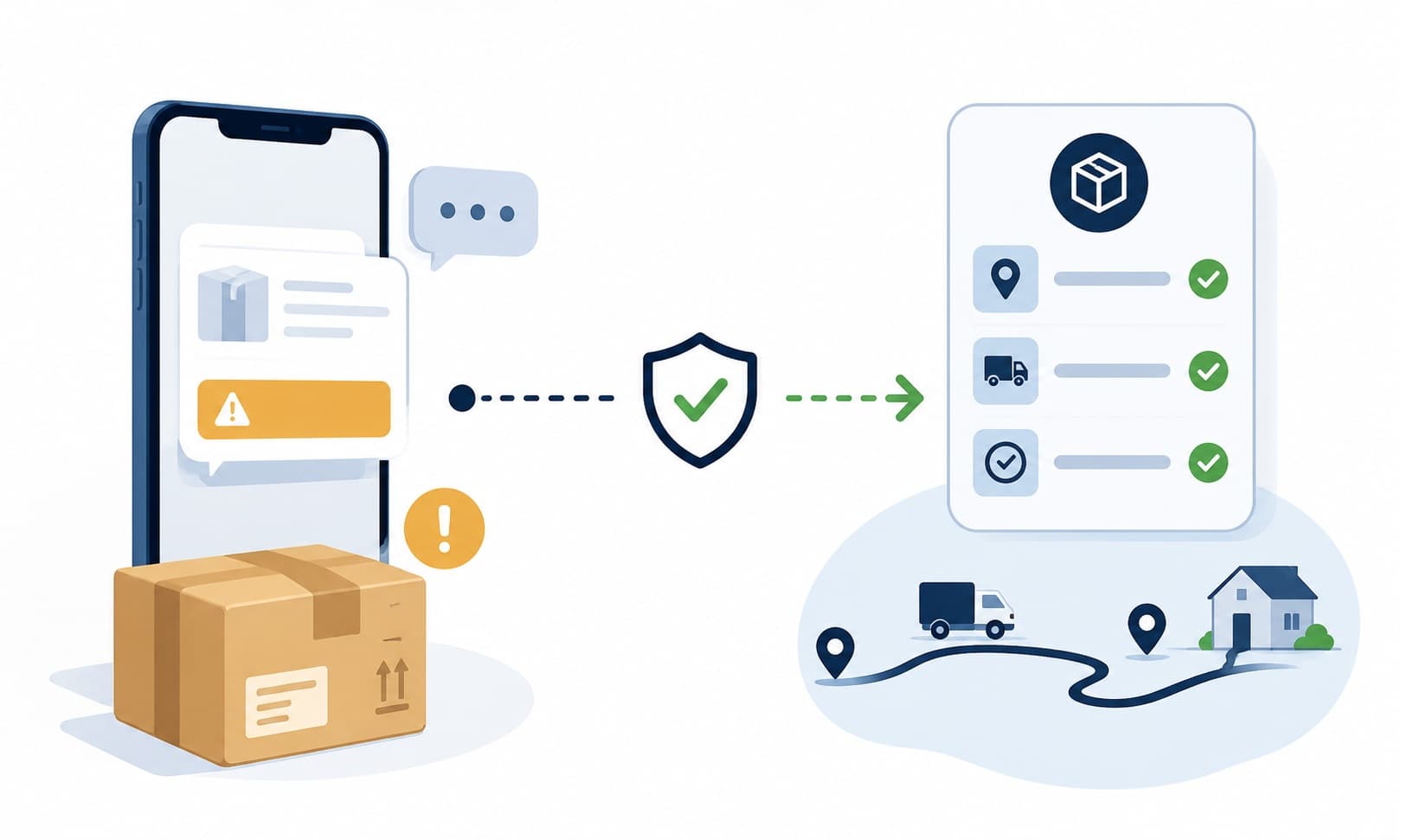
A safer habit is to connect the alert to a real order before acting. Open the store's official app, check your order confirmation, or type the delivery company's official website yourself. Do not use the message link as your starting point. If the package is real, there should be another way to track it. If you cannot connect the alert to an actual order, pause. A missed delivery can usually wait long enough for careful checking.
What this scam looks like
A package delivery scam usually arrives as a short text or email. It may say a package is on hold, the address is incomplete, a customs or postage fee is due, or a delivery attempt failed. The message often includes a link and asks you to act quickly. It may use a familiar delivery company name or a simple tracking-style code.
The message may lead to a page that asks for your name, address, phone number, payment card, or account login. It can feel routine because delivery forms are common. The warning sign is the unexpected path: a link from a message you did not request, asking for details before you have verified the package through an official order or carrier channel.
Common examples
- A text says a package is waiting but needs a small redelivery fee.
- An email says your delivery address is incomplete and asks you to update it through a link.
- A message claims a package is being held at customs and asks for payment details.
- A fake tracking page asks you to sign in with an email or store account.
- A delivery notice arrives even though you do not remember ordering anything.
- A message uses a shortened link and says the package will be returned today.
How to verify safely
- Start with the store or seller where you placed the order.
- Use tracking information from your original order confirmation, not the unexpected message.
- Type the delivery company's official website yourself if you need to track a package.
- Check whether the message names a real item, seller, or order number you recognize.
- Do not enter payment details through a link from an unexpected delivery text.
- Ask other household members whether they are expecting a package if the alert is unclear.
- Wait and verify calmly; most delivery issues do not require instant action.
Warning signs
- The message says a package cannot be delivered unless you click a link right away.
- You are asked to pay a small fee before you can see or receive the package.
- The message does not clearly match an order you recently made.
- The link looks shortened, misspelled, or different from the delivery company's official website.
- You are asked for payment details, account login, or identity information to fix a simple delivery issue.
- The message creates urgency but gives very little specific package information.
Questions to ask
- Am I expecting a package from this carrier or seller?
- Can I check the order directly from the store or carrier's official website?
- Does the tracking number match one from my order confirmation?
- Is the message asking for more information than a delivery notice should need?
- Can I wait and verify before clicking?
Safer next steps
- Do not click delivery links in unexpected texts or emails.
- Check your order through the seller's official website or app.
- Type the delivery company's official website yourself if you need to track a package.
- Compare any tracking number with your original order confirmation.
- Do not enter payment details to release a package unless you verify through an official channel.
- Ask the sender or recipient through a separate channel if the package is unfamiliar.
What to do if you already clicked, paid, or shared information
- Stop using the link and do not enter more information.
- Contact the relevant bank, platform, employer, or agency through an official channel.
- Check the store or delivery company through an official website to see whether there is a real delivery issue.
- If you entered payment details, contact your bank or card provider through a known channel to ask about the transaction.
- If you shared an account login, use the official account settings or support page to review your access options.
- Save the text, email, link, and any payment confirmation for your records.
- Watch for follow-up messages that claim to fix the delivery problem for another fee.
How to report it
- Report the message to the delivery company or store being impersonated through its official website.
- Use your phone or email provider's reporting tools when available.
- Report suspicious payment requests through the payment platform or bank if money was sent.
- Use official consumer-protection or fraud-reporting channels in your region.
- Visit the site's /reporting page for general reporting reminders.
Common questions
What should I do if I get a text about a missed package?
Do not click the link. Check your order confirmation, the seller's official app, or the delivery company's official website.
How can I tell if a delivery text is real?
Match it to a real order and tracking number from your original confirmation. If you cannot match it, verify through the carrier or seller directly.
Is a small redelivery fee always suspicious?
A small fee is worth checking carefully. Do not pay through an unexpected message link; verify through an official carrier or seller channel first.
What if I am expecting a package?
Being expecting a package makes the message feel more believable, but it still needs verification through your order page or official carrier website.
What should I do if I entered my card on a fake delivery page?
Stop using the page, save the details, and contact your bank or card provider through an official channel to ask about the transaction.