Scam guide
Tech Support Scam
Learn how fake support popups, calls, and messages pressure people into paying, sharing access, or revealing private information.
Who this helps
This guide helps computer, phone, and tablet users who see alarming support messages or receive unexpected tech help offers.
How Fake Tech Support Uses Confusion
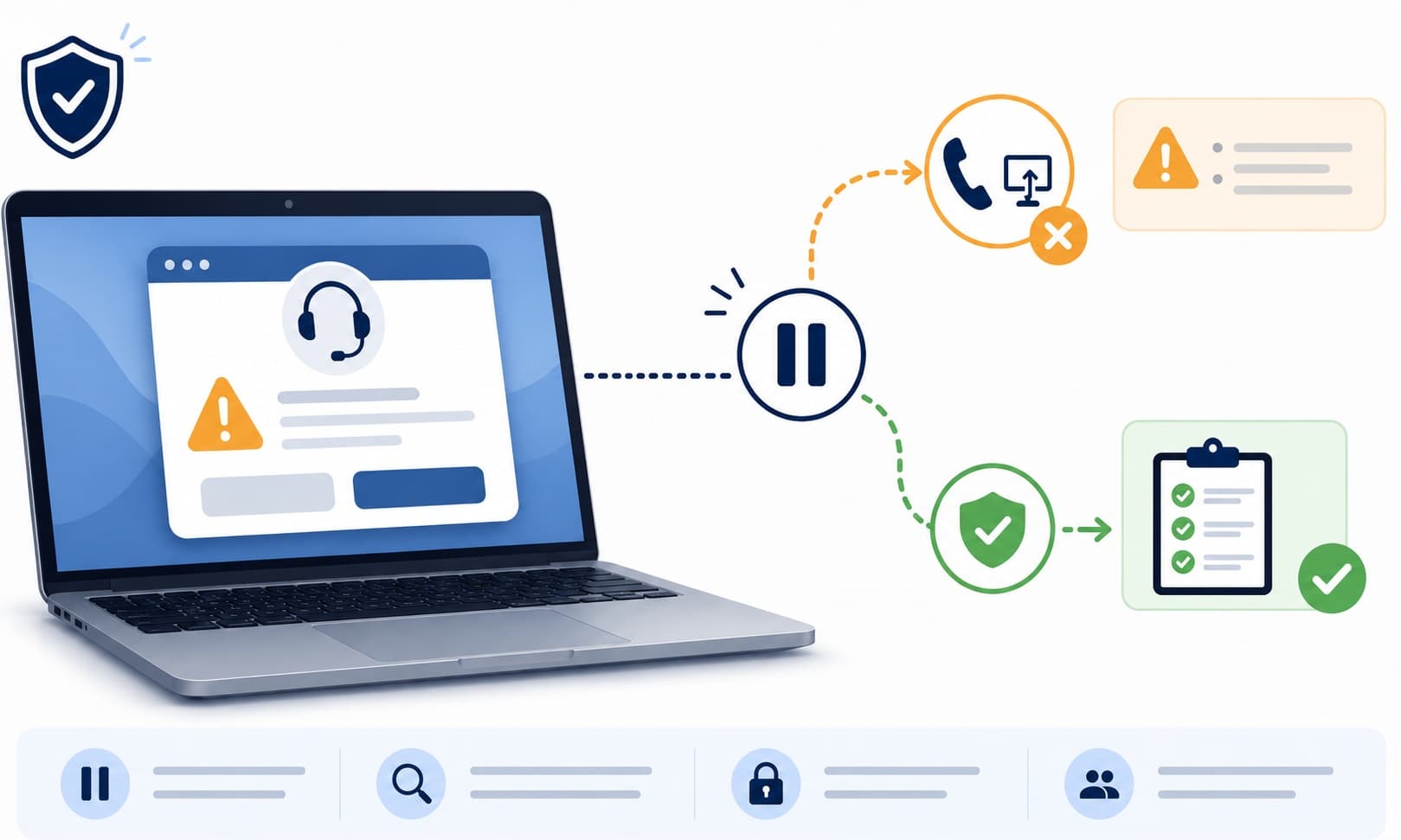
Tech support scams often begin when something on the screen looks official and frightening. A popup may claim your device has a virus, your files are at risk, or your account is being used by someone else. The message may include a loud alert, a countdown, or a phone number. This can be especially stressful when the device seems frozen or the wording sounds technical. The scam works by turning confusion into urgency before you have time to ask a trusted person or use an official support channel.
A safer response is to slow the situation down. Real support should not require you to trust a random popup, unexpected call, or message from someone who found you first. Use the official website or app for the product, device, or account involved. If you are unsure what to do, ask a trusted person to look with you. You do not have to prove you understand every technical word. Your main job is to avoid rushed payments, private information sharing, and unverified access requests.
What this scam looks like
A tech support scam may appear as a browser popup, phone call, email, text, or search result. The message often claims there is a serious device problem and gives a number to call. The person who answers may sound patient and professional. They may say they need to inspect your device, remove a threat, renew a protection plan, or refund a charge.
Some versions begin after a person searches online for help and clicks a result that is not the official support page. Others start with a fake warning that appears while browsing. The key pattern is pressure. The person tries to become the only source of help and may discourage you from closing the window, calling official support, or asking someone else.
Common examples
- A popup says your computer is locked and gives a support number.
- A caller claims to be from a major device or software company and says your account has a problem.
- A fake refund message says you were charged for support and must call to cancel.
- A search result leads to a support page that is not the official company website.
- A person asks you to pay for a protection plan you did not request.
- A support chat asks for passwords, codes, payment information, or private documents.
How to verify safely
- Go directly to the official website for the device, app, or service you use.
- Use support options inside the official app or account settings when available.
- Do not trust a phone number just because it appears in a popup or search result.
- Check whether you have an actual account notice by signing in through the official website.
- Ask a trusted person to review the warning before you pay or share anything.
- End the call if the person pressures you to keep the matter secret or act immediately.
- Keep support conversations on official channels whenever possible.
Warning signs
- A popup says your device is infected and tells you to call a support number immediately.
- Someone contacts you first and says they found a problem with your computer or account.
- You are pressured to pay for support before you can calmly verify the issue.
- The message tells you not to close the window, restart the device, or ask anyone else.
- The person asks for passwords, one-time codes, payment details, or remote access.
- The caller uses technical-sounding words to make the situation feel more serious than you can judge.
Questions to ask
- Did I ask this company for help before they contacted me?
- Can I reach support through the official website or app instead?
- Is the message trying to scare me into calling right now?
- Am I being asked to share access, codes, payment details, or private files?
- Would a trusted person find this message suspicious if I showed it to them?
Safer next steps
- Do not call numbers shown in alarming popups or unexpected support messages.
- Close the browser tab or app if you can do so calmly.
- Use the official website, official app, or known device maker support page to seek help.
- Do not share passwords, one-time codes, or payment details with someone who contacted you first.
- Ask a trusted person to sit with you before paying for any urgent support claim.
- Save a screenshot if you want to report the message later.
What to do if you already clicked, paid, or shared information
- Stop the conversation and do not send more payments or information.
- Contact the relevant bank, platform, employer, or agency through an official channel.
- Use official account settings or support to review any account access concerns.
- If you paid, ask your bank or payment platform what options may be available for that payment type.
- Write down what happened, including dates, names used, amounts, and message details.
- Ask a trusted person for help reviewing next steps if you feel overwhelmed.
- Avoid any later caller who claims they can recover money or fix the issue for another fee.
How to report it
- Report the fake support message to the company being impersonated through its official website.
- Use your browser, email, phone, or platform reporting tools when available.
- Report the incident through official consumer-protection or fraud-reporting channels in your region.
- Visit the site's /reporting page for general reporting options.
- If the scam involved a workplace device or account, notify the appropriate workplace contact through a separate channel.
Common questions
What should I do if a popup says my computer is infected?
Do not call the number in the popup. Close the tab or app if you can, then use the official support website or ask a trusted person for help.
How can I tell if tech support is real?
Use a separate channel. Real support should be reachable through the official website, official app, or known account page, not only through a surprise popup or call.
Should I pay for support over the phone?
Pause before paying. Verify the company through an official website or app, and ask a trusted person if the request feels urgent or confusing.
What if the person sounded professional?
A calm or professional tone does not prove the request is safe. Verify the issue through an official support channel before sharing information or paying.
What should I do if I already paid fake tech support?
Stop contact, save the details, and contact your bank or payment platform through an official channel to ask what options may be available.