Scam guide
Toll Payment Scam
Learn how fake toll messages use small unpaid balances and quick deadlines to pressure drivers into clicking or paying.
Who this helps
This guide helps drivers, commuters, travelers, and families who receive unexpected toll payment texts or emails.
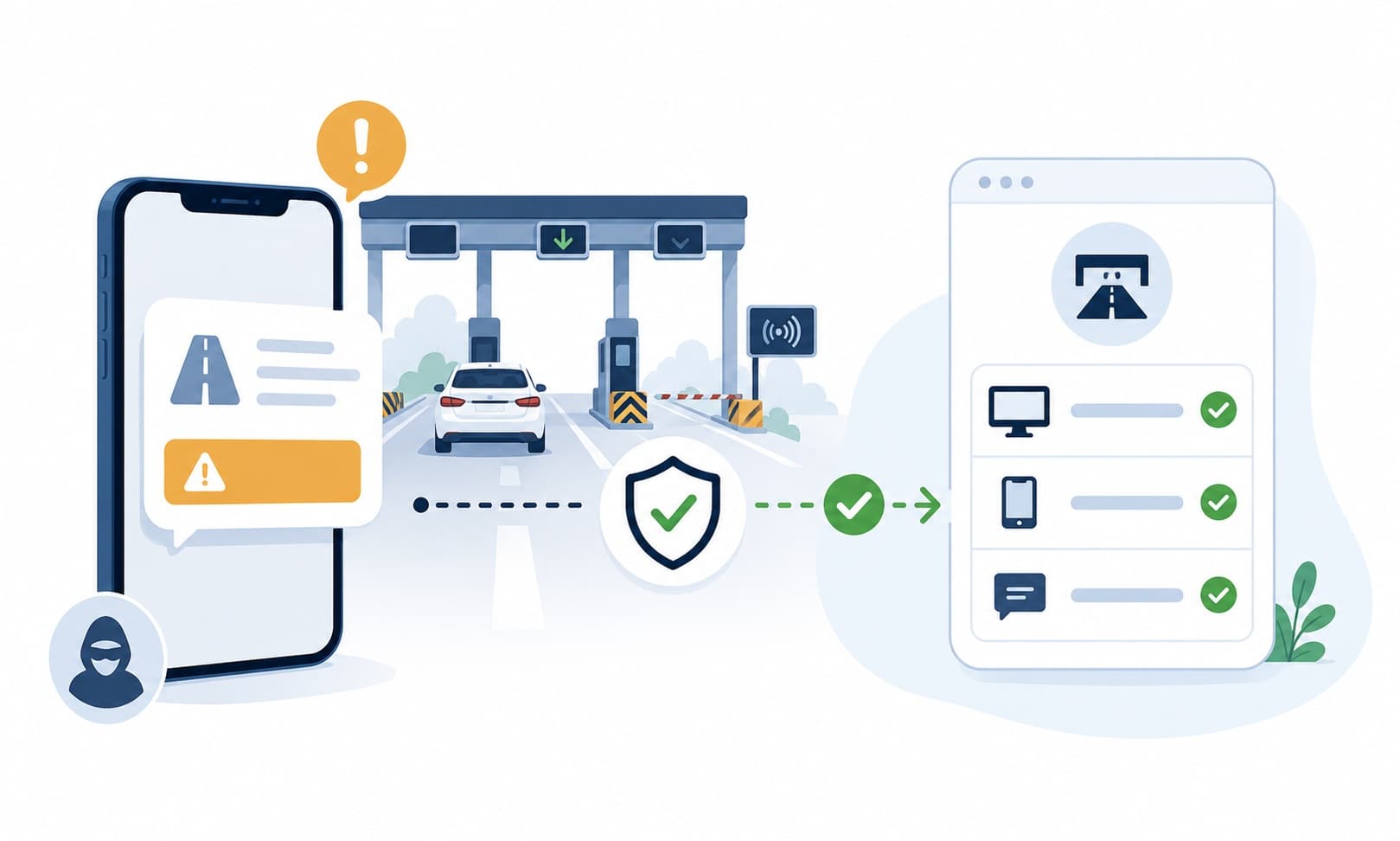
How Fake Toll Notices Make Small Fees Feel Urgent
Toll payment scams often use a small amount of money to lower your guard. A text or email may say you owe a few dollars for a toll road, bridge, or express lane. It may warn that a larger fee will be added soon if you do not pay. The amount can seem too small to investigate, especially if you drive often or recently traveled. That is why pausing matters. Small-fee messages can still lead to pages that collect payment details or account information.
The safer path is to verify the toll through the official toll agency, transponder account, rental company, or mailed notice. Do not let a text link decide where you go. Type the official website yourself, use the official app, or use contact information from a trusted source. If you cannot match the notice to a real trip, road, account, or bill, wait and check more carefully before paying.
What this scam looks like
A fake toll payment message may say you have an unpaid balance, missed toll, late fee, or violation. It often includes a link and a deadline. The message may be vague, naming a general toll service or state rather than a specific trip. It may use words like final notice, urgent, or avoid penalty.
Some messages appear soon after travel, which can make them feel real. Others are sent widely and happen to reach people who drive. The page linked in the message may ask for your name, plate number, phone number, email, card number, or account login. Treat unexpected toll links as something to verify separately.
Common examples
- A text says you owe a small toll and must pay today to avoid a penalty.
- An email claims your toll account is suspended until you update payment details.
- A message names a toll agency you have never used.
- A fake payment page asks for card details before showing a clear toll record.
- A rental traveler receives a toll text that does not match the rental company's normal notice process.
- A message includes a shortened link and says this is your final warning.
How to verify safely
- Use the official toll agency website or app for the area where you drove.
- Check your transponder or toll account by typing the official site yourself.
- Review recent travel dates and routes before responding.
- If a rental car may be involved, check notices through the rental company's official channel.
- Do not trust a payment link just because the amount is small.
- Look for a mailed bill or official account notice if that is the normal process in your area.
- Ask a trusted person to help compare the message with official toll agency information.
Warning signs
- The message says you owe a small toll balance but gives little clear trip information.
- You are threatened with late fees or penalties if you do not pay immediately.
- The link does not match the official toll agency or account website.
- You are asked for card details, account login, or personal information through a text link.
- The message arrives even though you do not recognize the road, bridge, or travel date.
- The sender uses urgent wording but does not give a safe way to verify separately.
Questions to ask
- Did I recently drive on a toll road, bridge, or rental route that matches this notice?
- Can I check my toll account through the official website or app?
- Does the link match the official toll agency domain exactly?
- Is the message asking for more information than a payment notice should need?
- Can I verify with a known agency contact before paying?
Safer next steps
- Do not use links from unexpected toll payment texts or emails.
- Type the official toll agency website yourself or use the official app.
- Check your toll account, transponder account, rental car notice, or mailed bill through known channels.
- Compare the message with your actual travel dates before paying.
- Do not enter payment details unless you have verified the notice through an official channel.
- Ask a trusted person to help if the message feels rushed or confusing.
What to do if you already clicked, paid, or shared information
- Stop using the link and do not enter more details.
- Contact the relevant bank, platform, employer, or agency through an official channel.
- Check your real toll account through the official website or app.
- If you paid, contact your bank or card provider through a known number to ask about the transaction.
- If you shared account login information, use the official account settings or support channel to review your options.
- Save the message, link, payment receipt, and any page screenshots for your records.
- Be cautious of follow-up messages claiming you owe more or can get a refund.
How to report it
- Report the message to the toll agency being impersonated through its official reporting option if available.
- Use text, email, or phone provider reporting tools when available.
- Report suspicious payments to your bank or payment platform through official channels.
- Use official consumer-protection or fraud-reporting channels in your region.
- Visit the site's /reporting page for general reporting options.
Common questions
What should I do if I get a toll payment text?
Do not click the link. Check through the official toll agency website, official app, transponder account, rental company, or mailed notice.
How can I tell if a toll notice is real?
Match it to a real route, date, account, or official bill. Use a separate official channel rather than the link in the message.
Should I pay a small toll fee from a text?
Pause first. Small amounts can still be used to collect payment details. Verify through the official toll agency before paying.
What if I recently traveled?
Recent travel can make the message feel believable, but you should still verify through a toll account, rental company, or official agency website.
What should I do if I entered my card on a toll link?
Stop using the link, save the details, and contact your bank or card provider through an official channel to ask about the transaction.